
This article explains how to start a LiveChat session to get real-time support from our team.
Steps to Start a LiveChat Session
-
Click the LiveChat icon, which you will find in the lower-right corner of any page on our website.

-
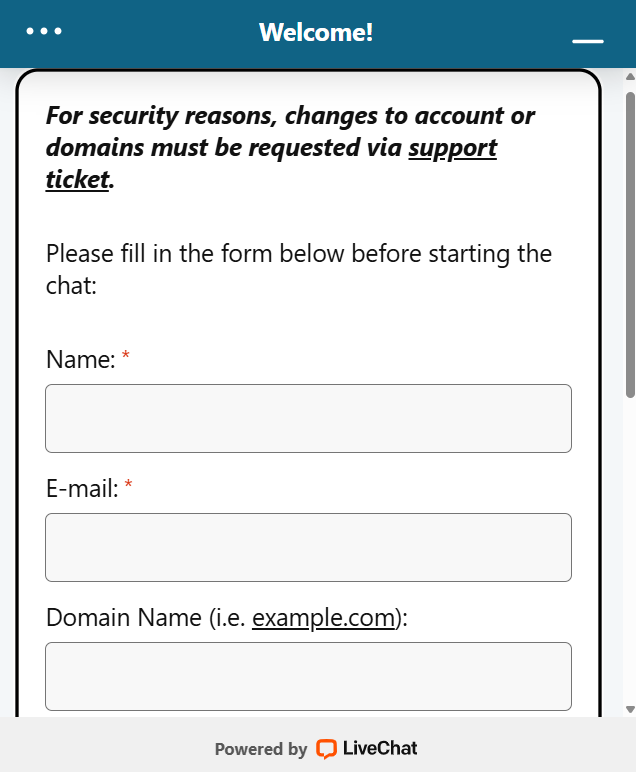
Fill in all required fields marked with a red asterisk (*).
-
Select the Department best suited to assist with your issue.
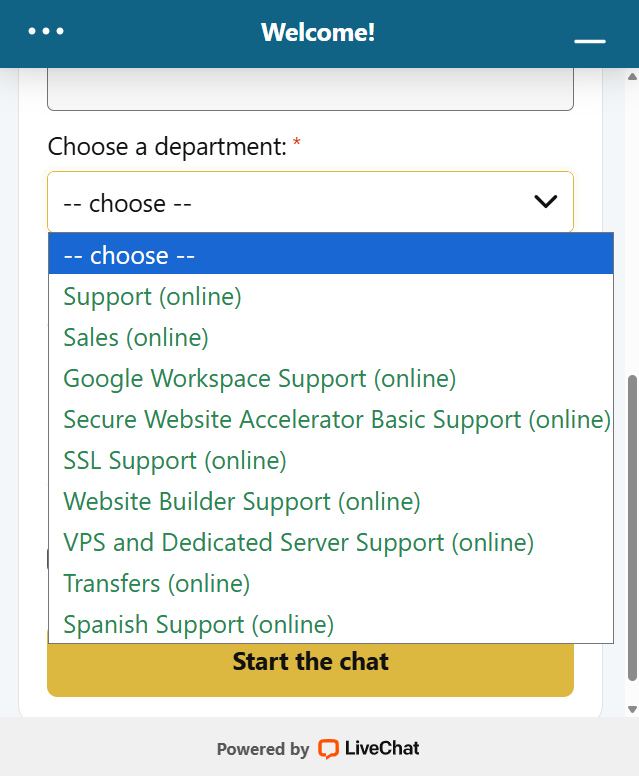
Not sure which department to choose? See examples of common issues by department.
-
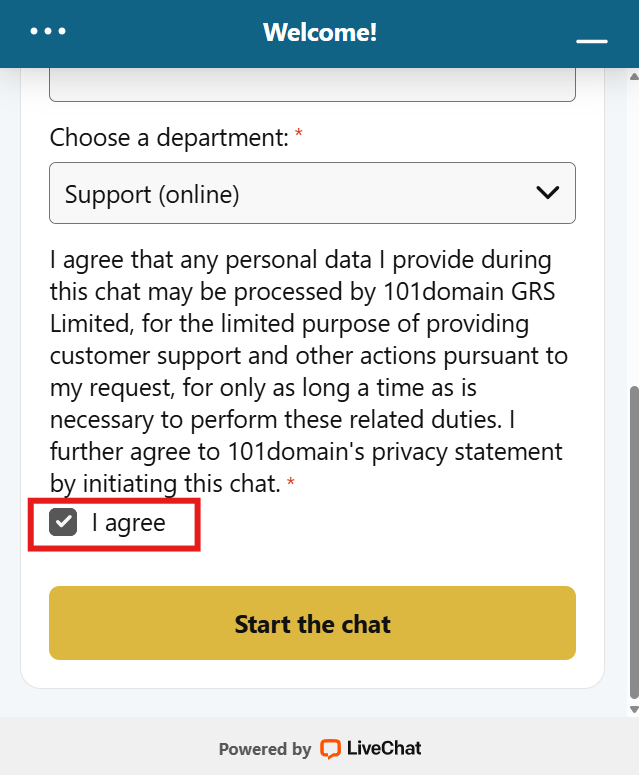
Check the box to agree to the LiveChat terms and conditions.
-
Click the Start the chat button.
LiveChat support is available Monday to Friday:
-
5AM to 5PM Pacific Time (PT)
-
12PM to 12AM Coordinated Universal Time (UTC)
You can request a transcript of your chat to be sent to your email for future reference.
Related