This article describes how to add DNS records for the Hosting Service to a domain.
-
This will push all of the records for the Hosting Service to a domain.
-
You can view the changes and make them manually.
-
DNS records take 3-24 hours to propagate across the Internet.
Steps
-
Login to your account and then click Websites, Email & Security.

-
Click on your Hosting product.

-
Click on the gear to the right of the domain that is to have records changed.

-
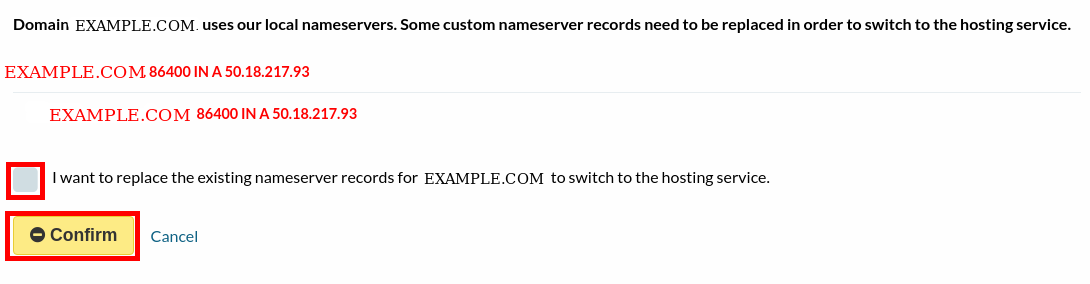
Review the records that will be changed, check the box to confirm and click the Confirm button.
-
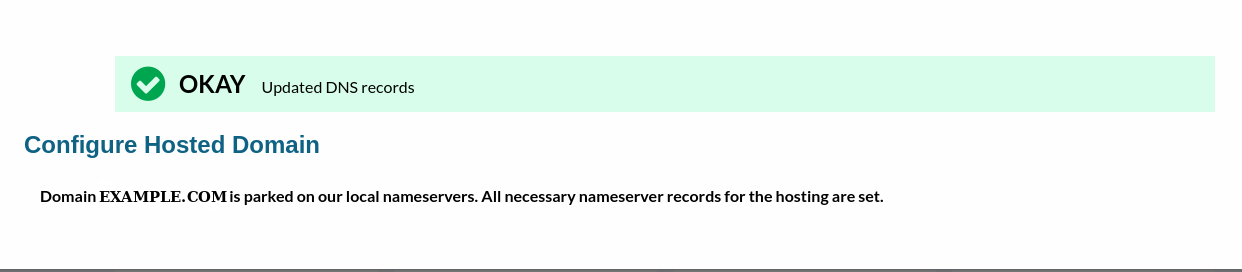
The DNS records have been changed successfully.