The slowness on a website can happen for a variety of reasons. This guide will help you troubleshoot a number of them.
In this guide, we assume you are using WordPress and it is recognized by Plesk. If Plesk does not recognize your WordPress site, please consult our KBA: Syncing WordPress to Plesk.
Steps
-
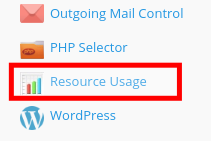
Login to your Plesk panel and select Resource Usage from the far right panel
-
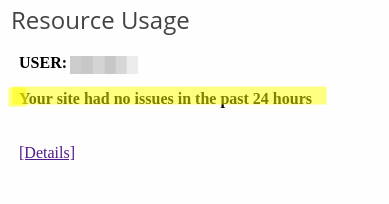
If you have no problems, the message will say "Your site had no issues in the past 24 hours". If it says something else, your site may be running at a reduced speed.
-
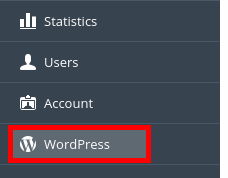
Click on WordPress on the left panel if you use WordPress
-
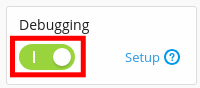
Note if your site has Debug turned on. This will slow down your site.

-
If debug is turned on, you can turn it off by clicking the Debugging radio button
-
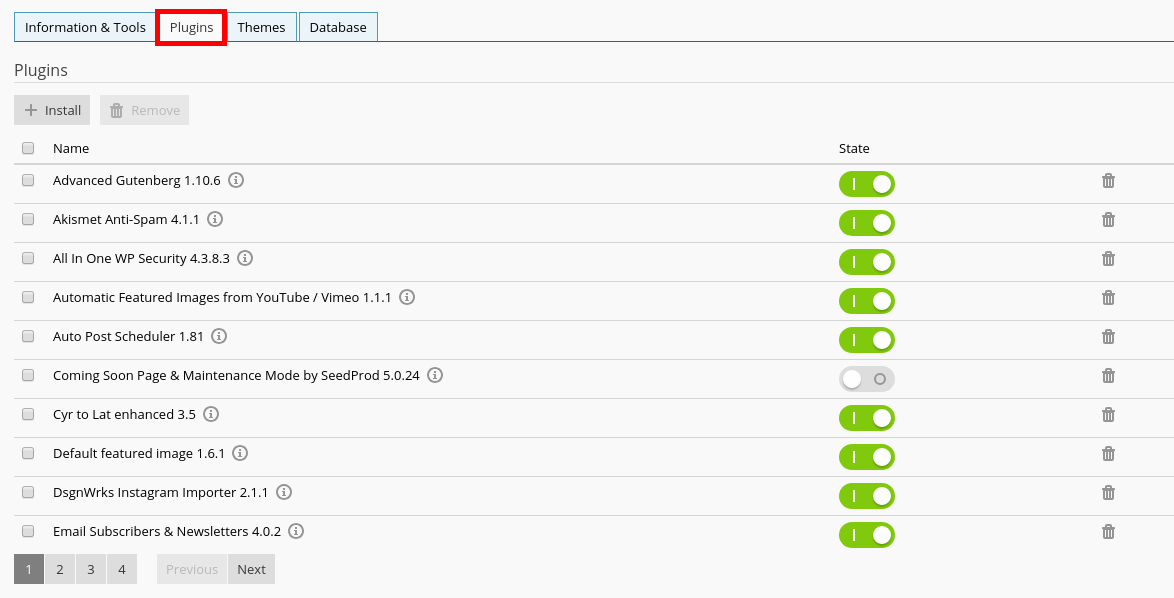
Clicking on the Plugins tab will tell you the number of plugins you have installed. Try turning most of them off. Too many plugins will cause a slow site.