
If you cannot access your account or are currently in the account recovery process and need to renew your domain immediately, you can use our alternative renewal process.
We recommend renewing at least 7 days prior to domain expiration in case additional processing time is needed for certain domain extensions.
Steps
-
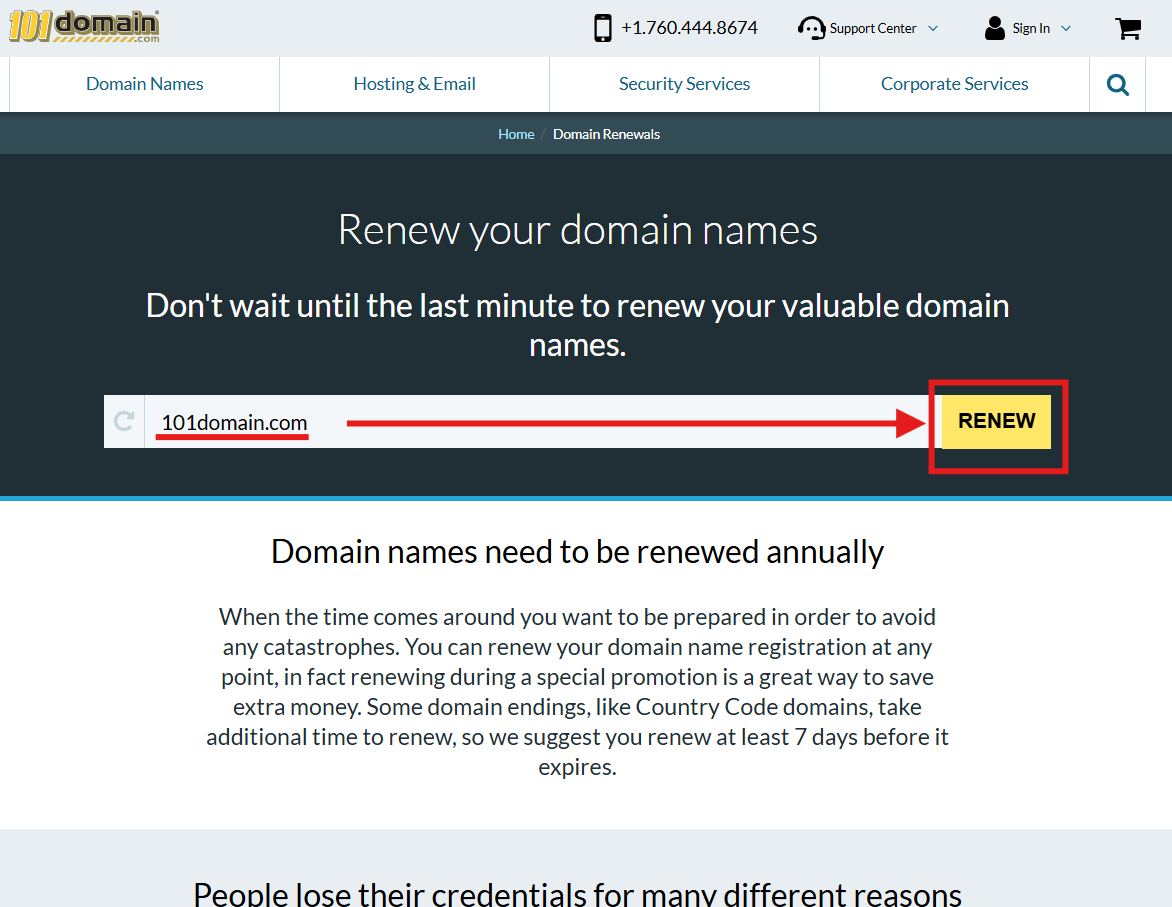
Go to the Renew Your Domain page.
-
Enter the domain that needs to be renewed and then click the Renew button.
-
A confirmation screen will appear stating an email was sent to the email address on file.
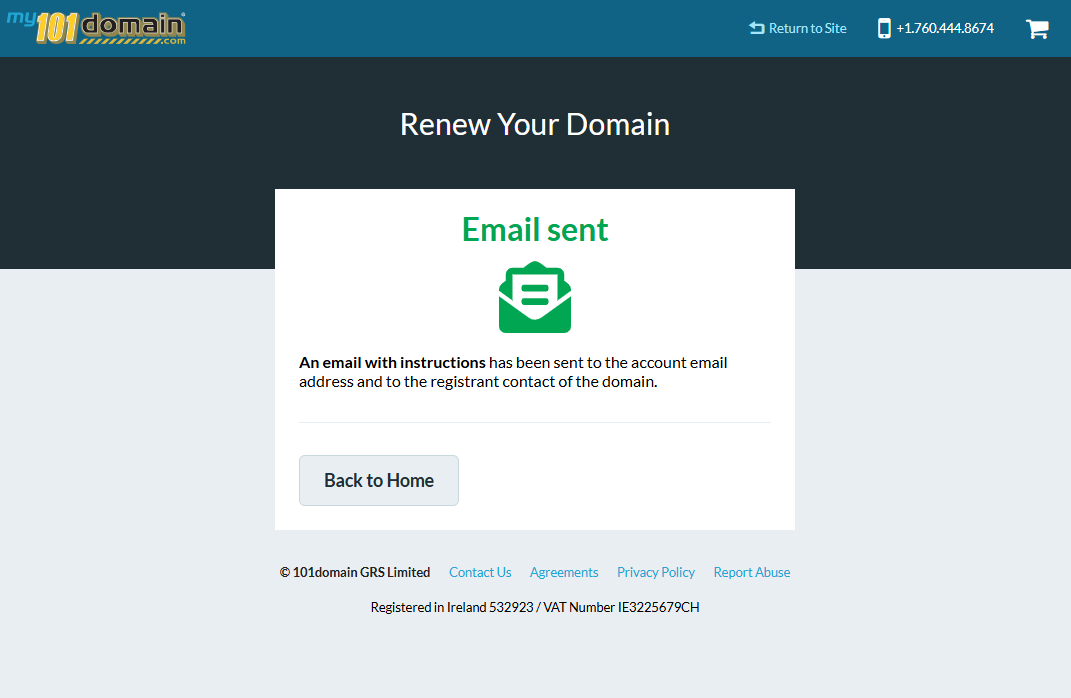
You must have access to the email inbox associated with the primary account holder or the domain registrant contact to receive the renewal payment link.
-
Follow the instructions provided in the email to complete your payment.
If you are still having issues, please feel free to contact our support team for further assistance.
Related