
To begin integrating with the 101domain ecosystem, you will first need to generate a secure API key. This key serves as a unique Bearer Token that authenticates your requests and grants programmatic access to your domain portfolio.
API keys can only be generated and managed by the Primary User Account and this user must have Two-factor authentication (2FA) or Single-Sign On (SSO) enabled.
Follow the steps below to configure your credentials and set the appropriate permissions for your application.
-
Log in to your 101domain account.
-
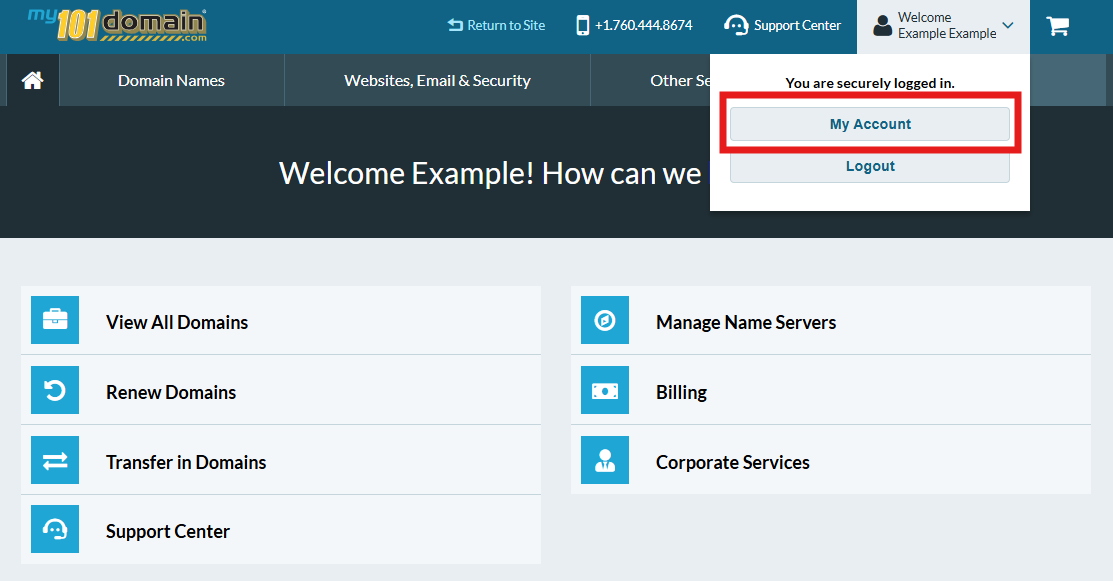
Navigate to My Account (top-right dropdown).
-
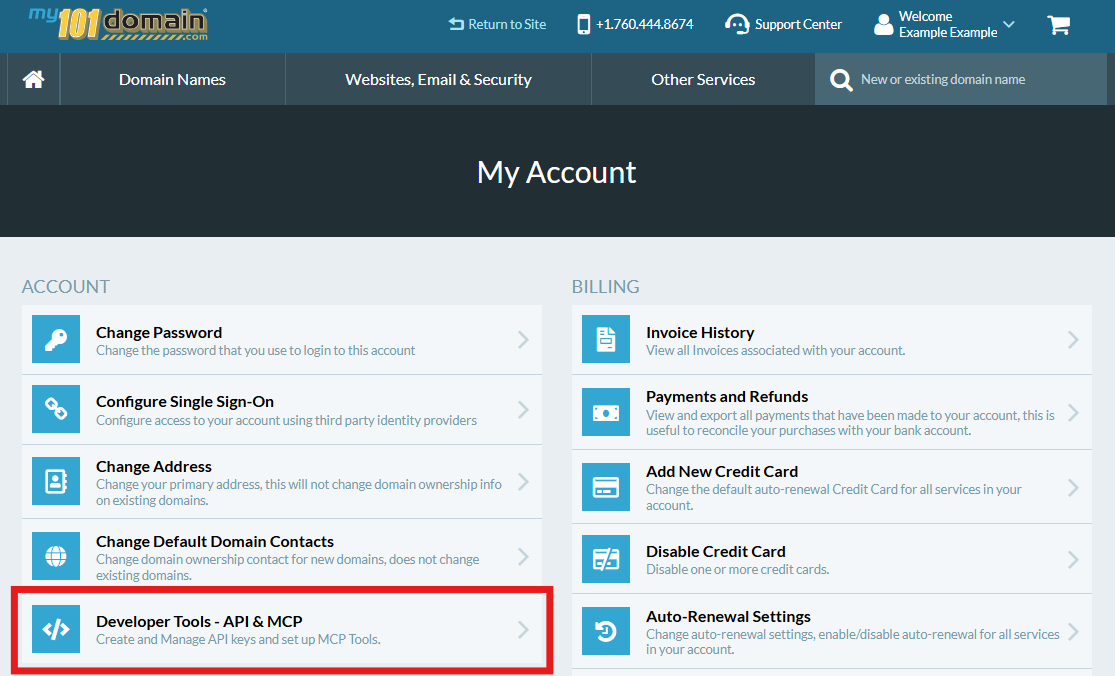
Click on Developer Tools - API & MCP.
-
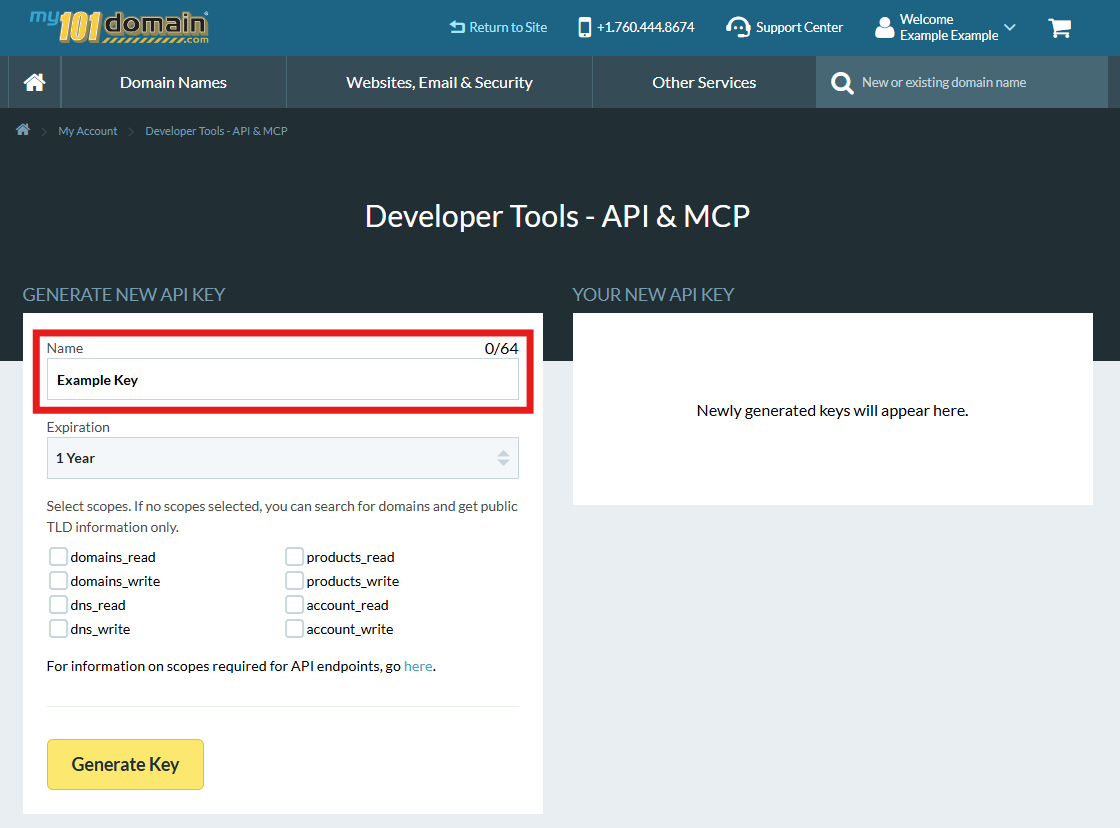
Enter a Name for your API Key
-
Select the Expiration Period.
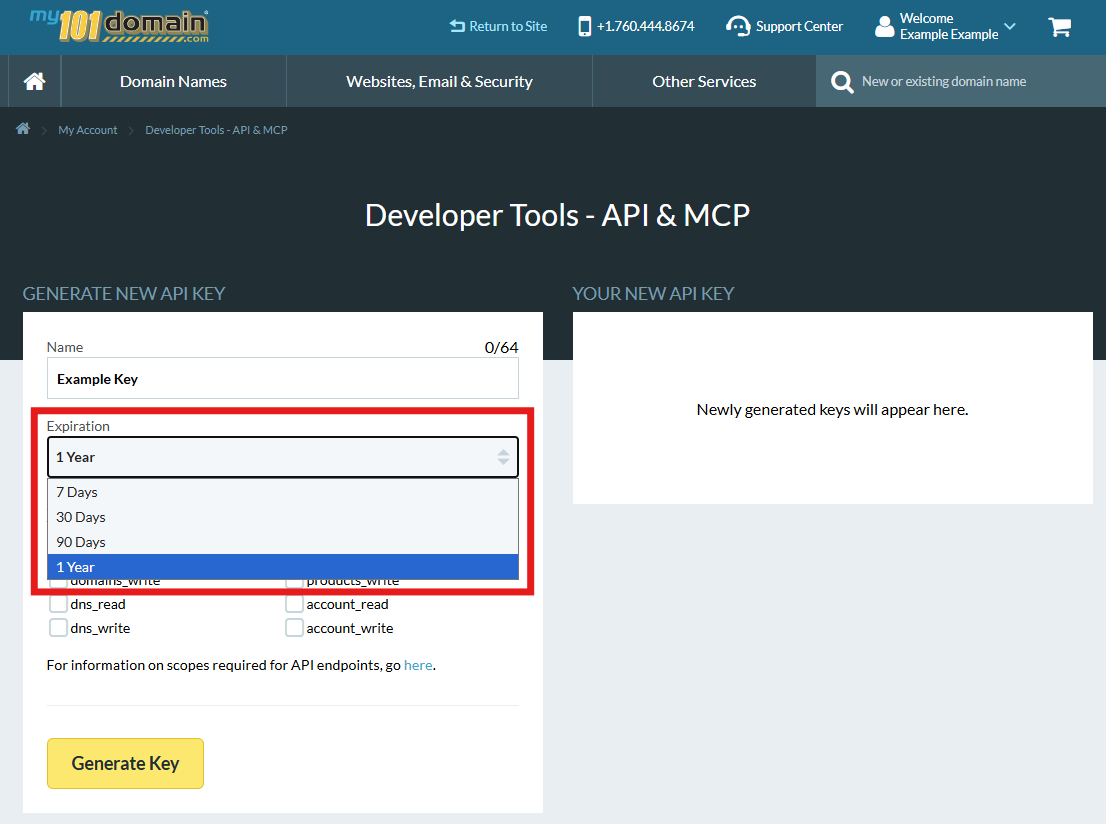
There are 4 options: 7 days, 30 Days, 90 Days and 1 Year.
-
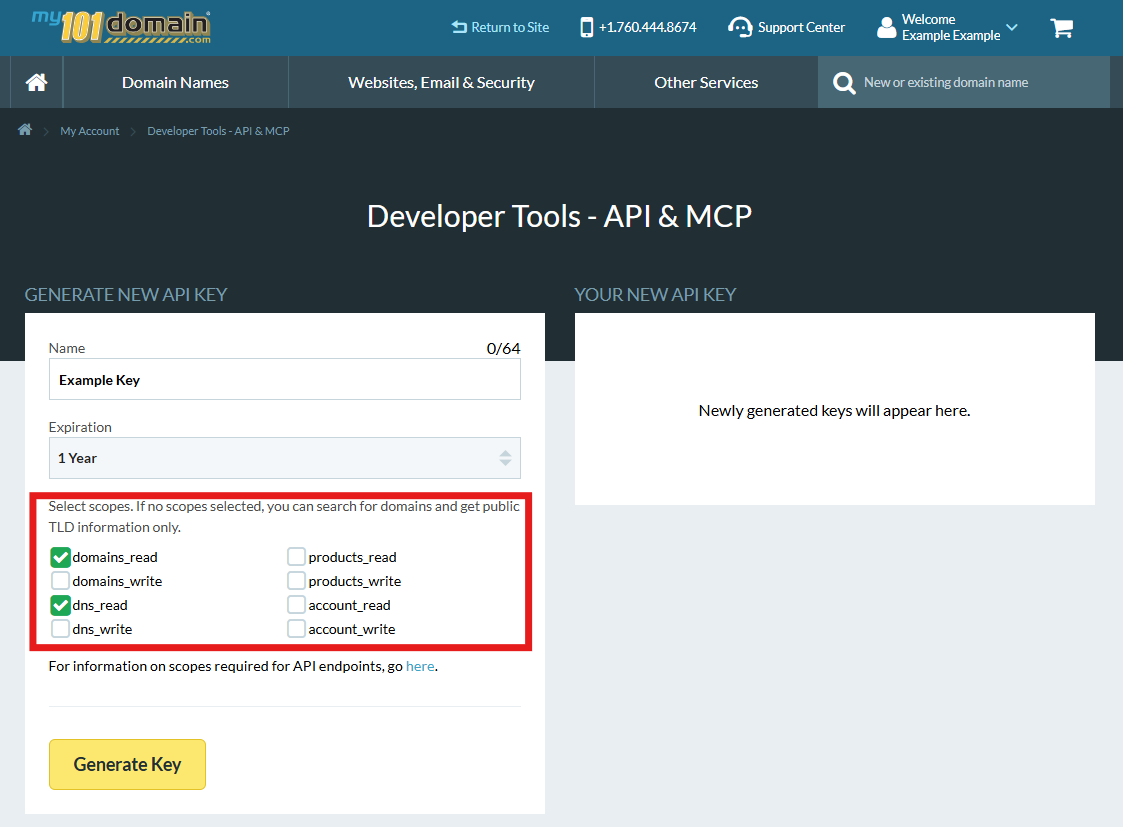
Select the appropriate scopes for what you want the key to access.
-
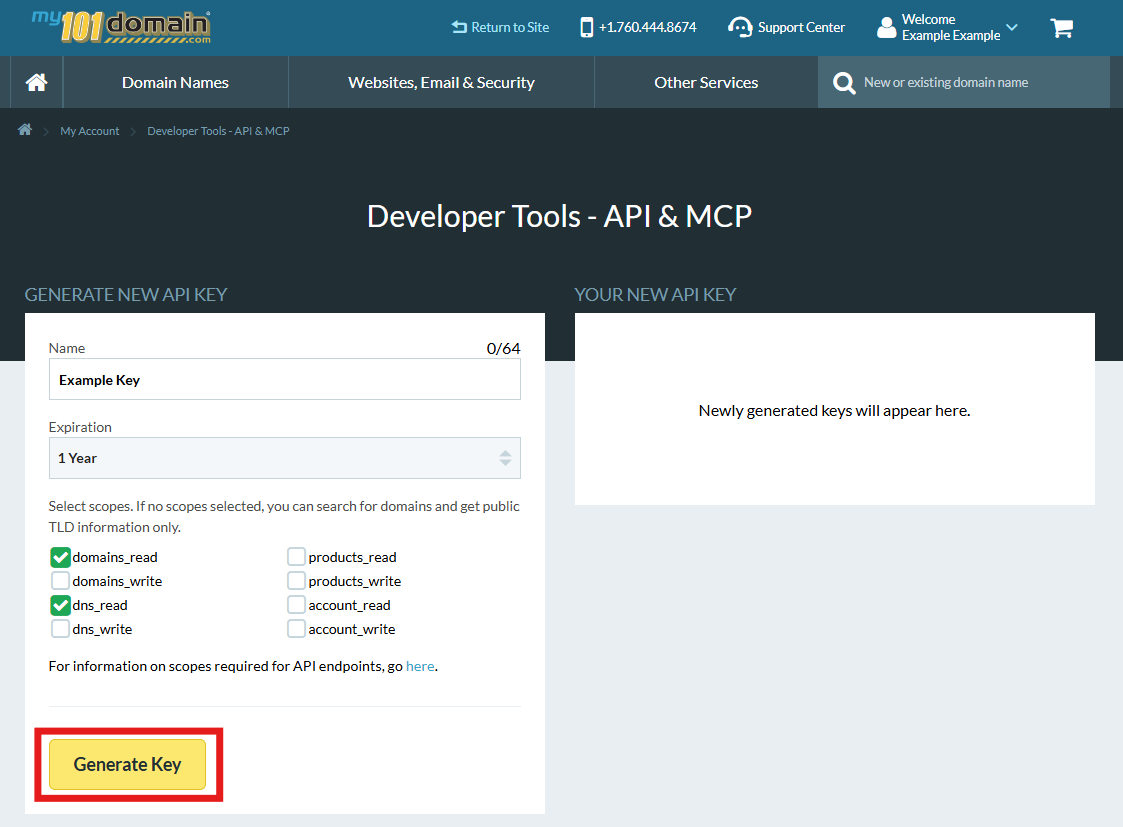
Click Generate Key.
-
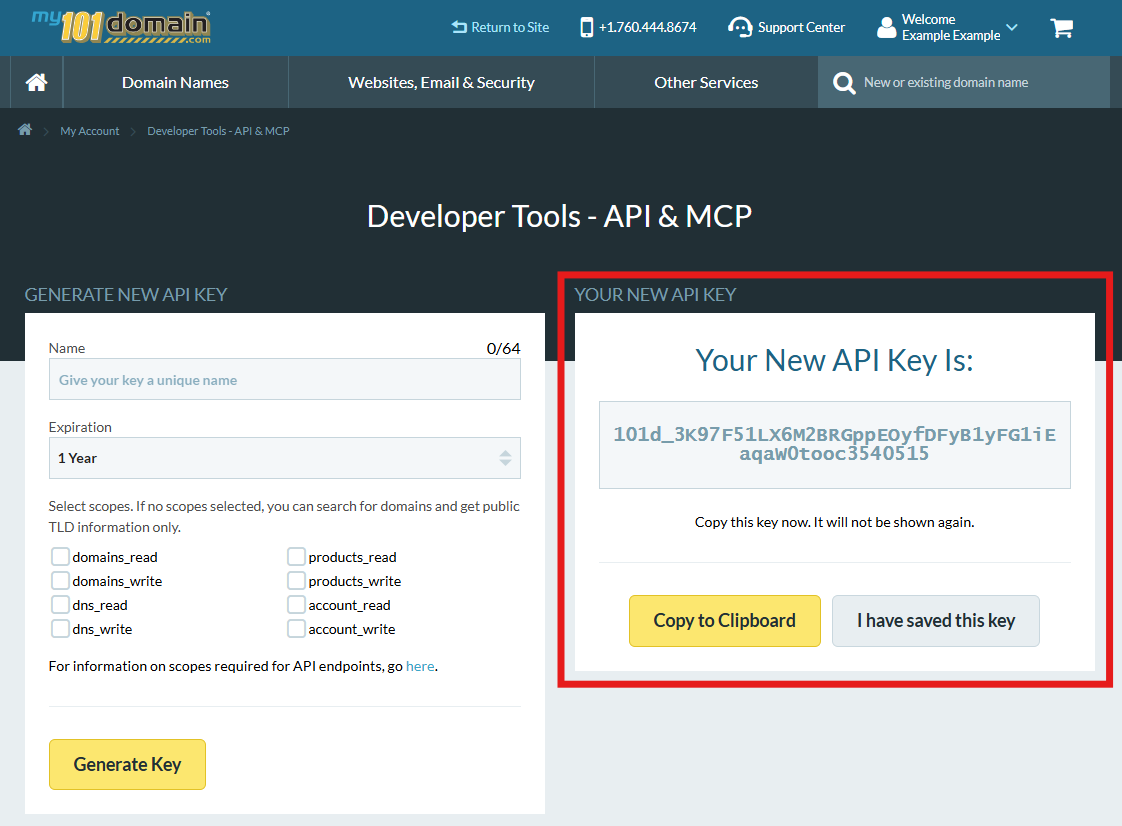
A New API Key will appear in the right hand section. Copy and store your New API Key in a secure place. Our system will only display this key once.
Tip for managing API keys:
-
For security, the system only displays the API key once upon creation. You must copy and store it securely. All keys have a maximum lifespan of one year and will require periodic re-issuance.
-
Keys are tied directly to your master account, rather than individual users or sub-users.
You can create up to 10 API keys with combinations of scopes for each key. We suggest this approach when you have different staff or teams working in your account that require different types of access.
Next Step: Now that you have your key, head over to the API Endpoints Reference guide to begin making your first request.